
Worksnaps Client depends the Java environment on Mac OS.
If you are able to start Worksnaps Client successfully, your Java environment is okay and you can skip this document and refer to this document for configurations for Worksnaps Client.
If you see JRELoadError or "Unable to load Java Runtime Environment" when launching Worksnaps Client, it is likely that you are having an incompatible version of Java. There are two versions of Java: x86_64 version and ARM64 version. Worksnaps Client currently does not work with ARM64 Java. Therefore you need to install x86_64 version Java on Mac OS. Please use this link to download x86_64 version of the JRE --
https://javadl.oracle.com/webapps/download/AutoDL?BundleId=252900_0d06828d282343ea81775b28020a7cd3
After you download it, please install it.
(If you have already installed the ARM version Java, you only need to overwrite the installation.)
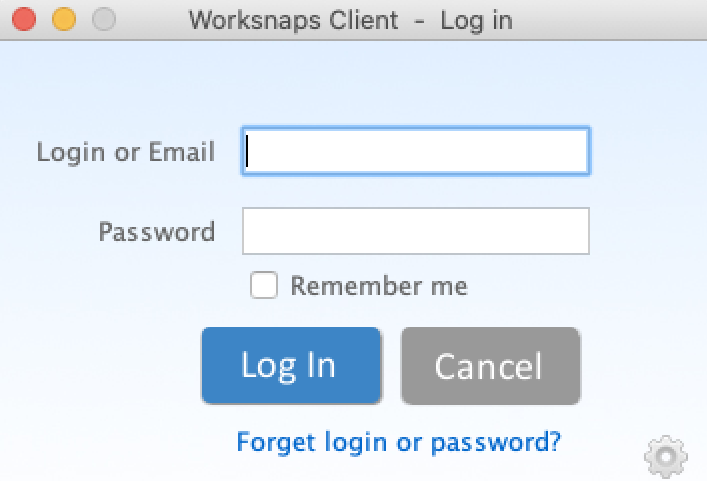
Now you should be able to launch Worksnaps Client successfully, and you should see this Login window after launching Worksnaps Client:
IMPORTANT After launching Worksnaps, there are a few more things that need your attention. Please refer to this document.