
If the Linux machine (such as Ubuntu 26.04) installed WSClient Wayland package, the user account can't login OS, please following the below method to solve:
1. Switch to virtual console
If stuck in the logined interface during startup (Figure 1) , press Ctrl+Alt+F3 or F4 to switch to TTY and log in with your username and password.
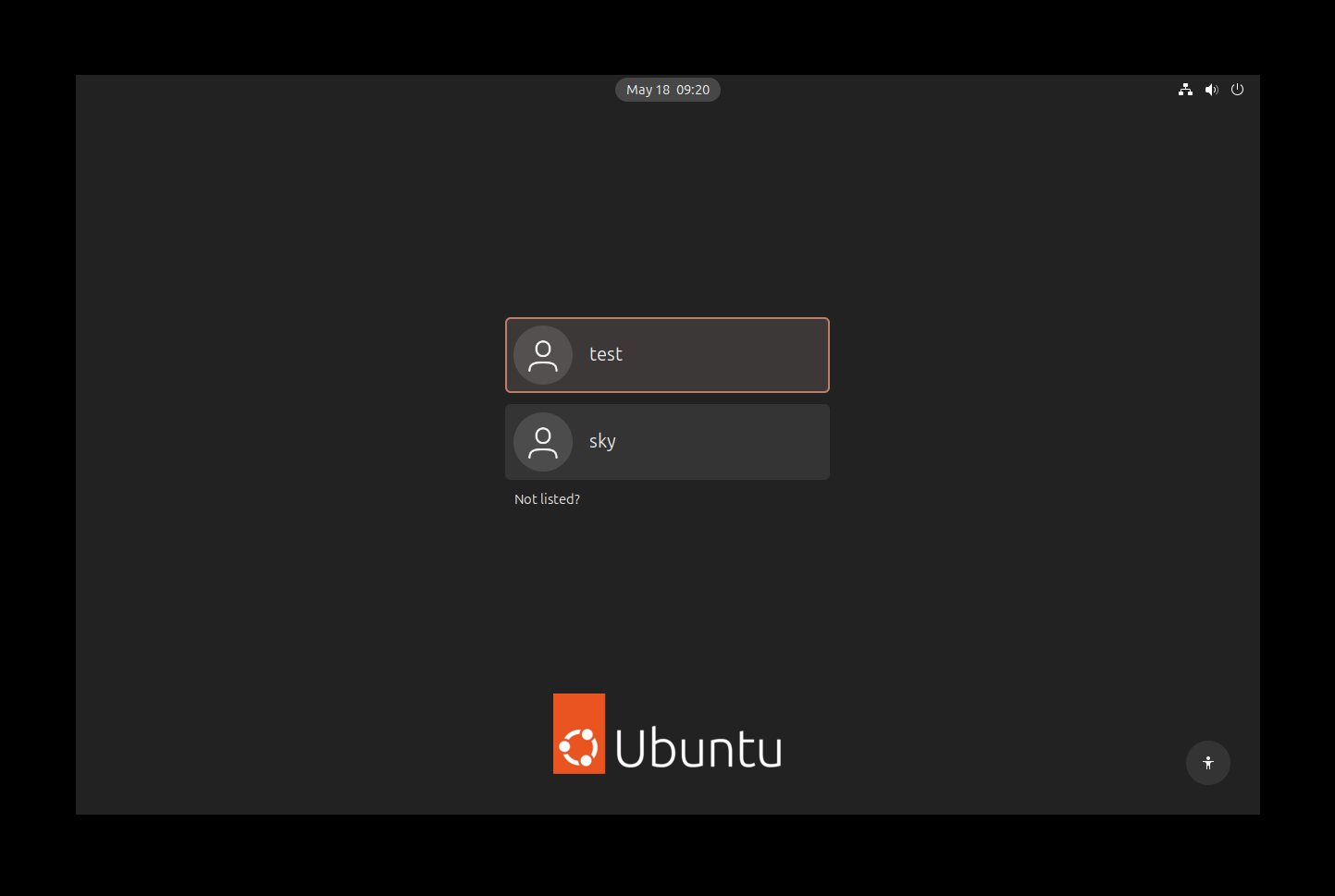
Figure 1
2. Stop WS service
2.1 When you logined TTY, run the command $systemctl --user status ws to check if WS servicve is running (Figure 2).
2.2 Stop the service by command $systemctl --user stop ws
2.3 Remove the serivce by command $systemctl --user disable ws
2.4 Then reboot OS, the account can't login issue can be reloved.
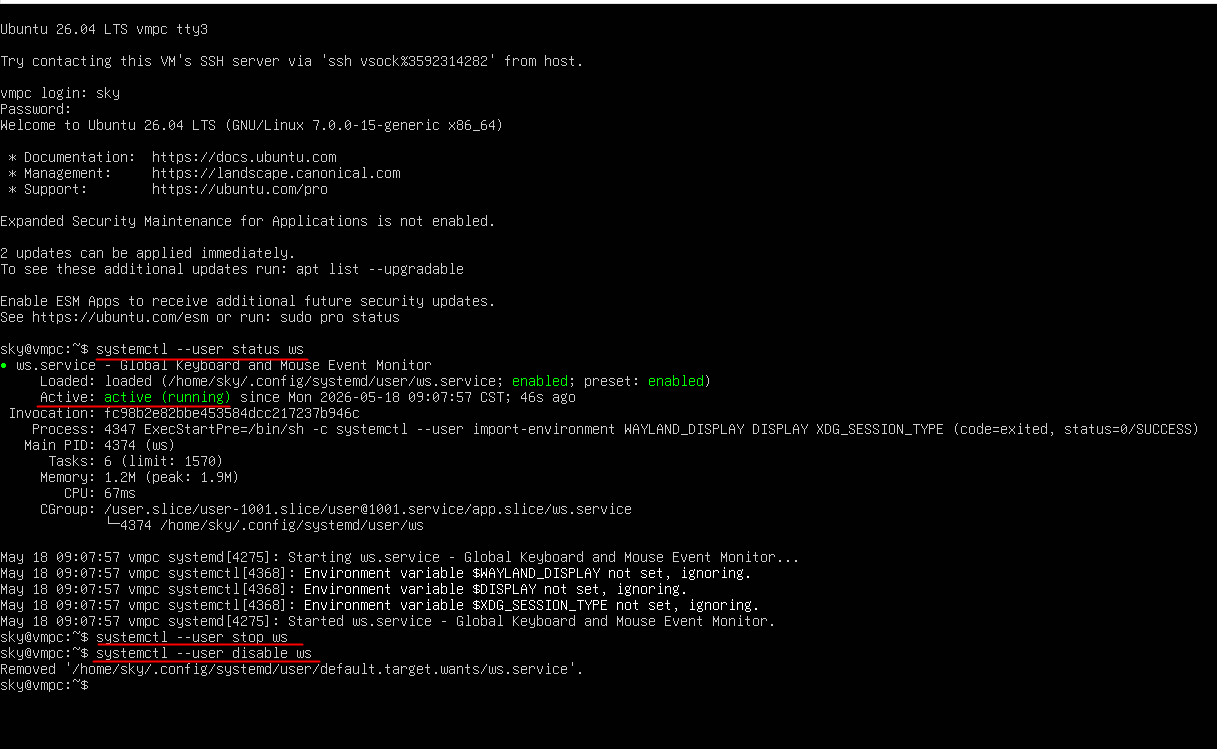
Figure 2